
BRB. Enjoy the view.
Animated scenery has merged for Zen and your away screen: four landscapes, two styles, and Earthrise for your next coffee break.
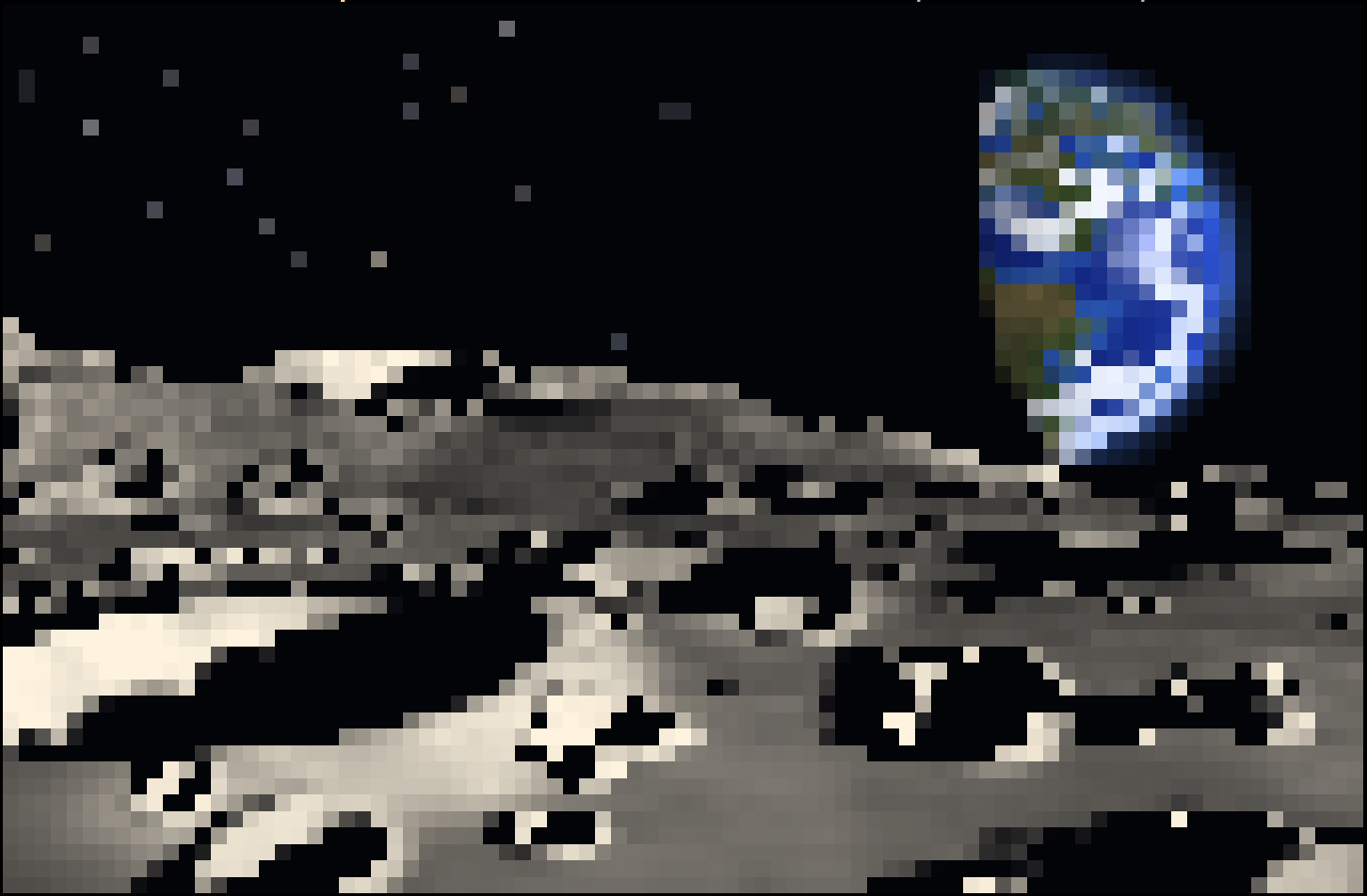
Your terminal is getting a better view. PR #687 merged on October 9, adding an ASCII tile in Zen and a full-screen away screensaver. Follow-up PR #689 has since added Earthrise.
There are now four scenes: Earthrise, misty forest, aurora fjord, and alpine dawn. Each comes in delicate braille dots or colourful half-block pixels: eight choices in all. Think a turning Earth above the Moon, fog and sunbeams through pines, northern lights over a cabin, or first light on snowy peaks.
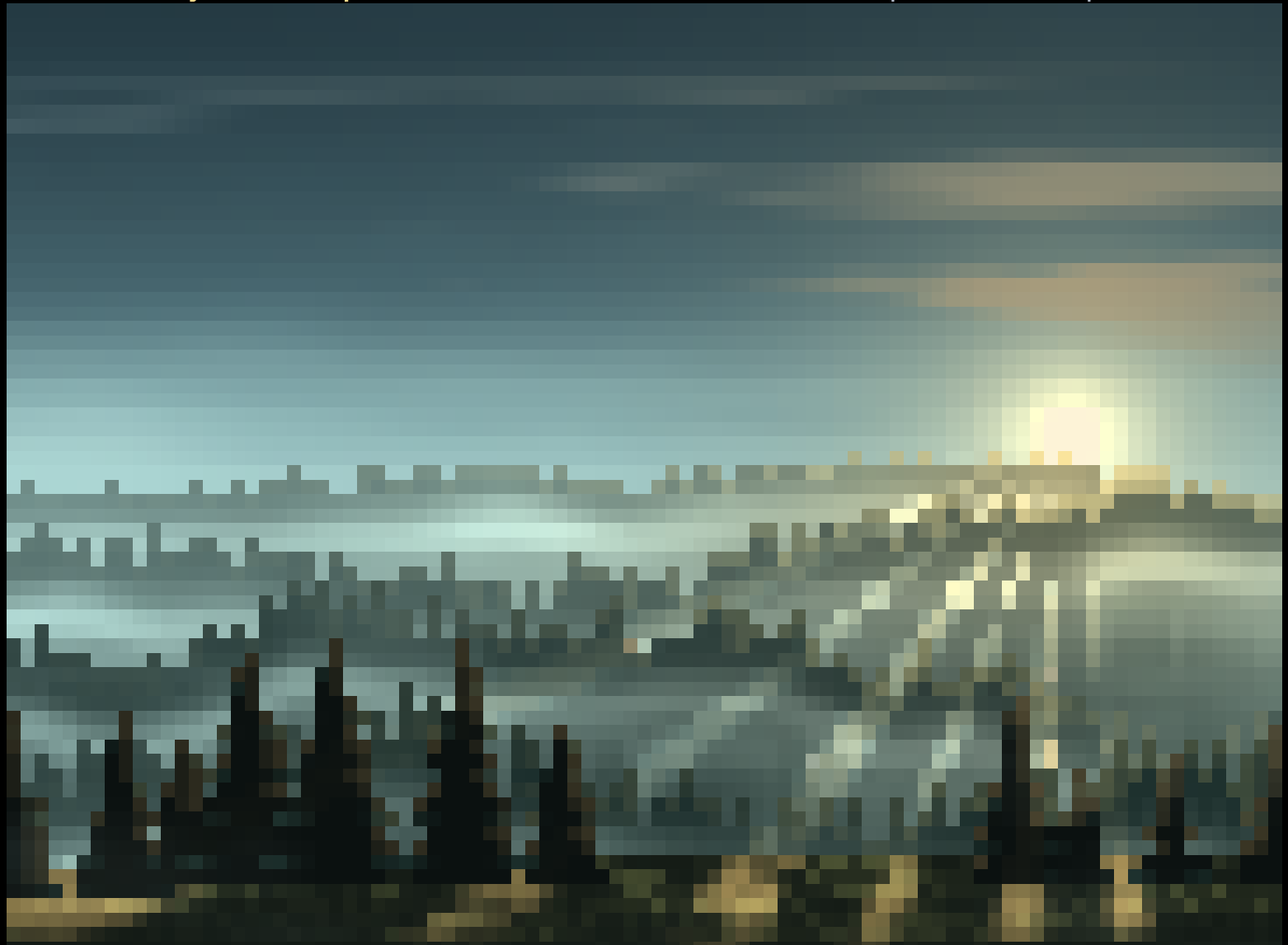
In Zen, press Space on the focused tile and choose ascii. Use [ / ] to cycle the scenes and styles, or Enter to open the piece picker. Your choice stays with the layout. Lowercase z now zooms the tile to fill the whole screen, without borders or a status row; press it again to return. Uppercase F flips the parent split. Zen controls and the zoom update
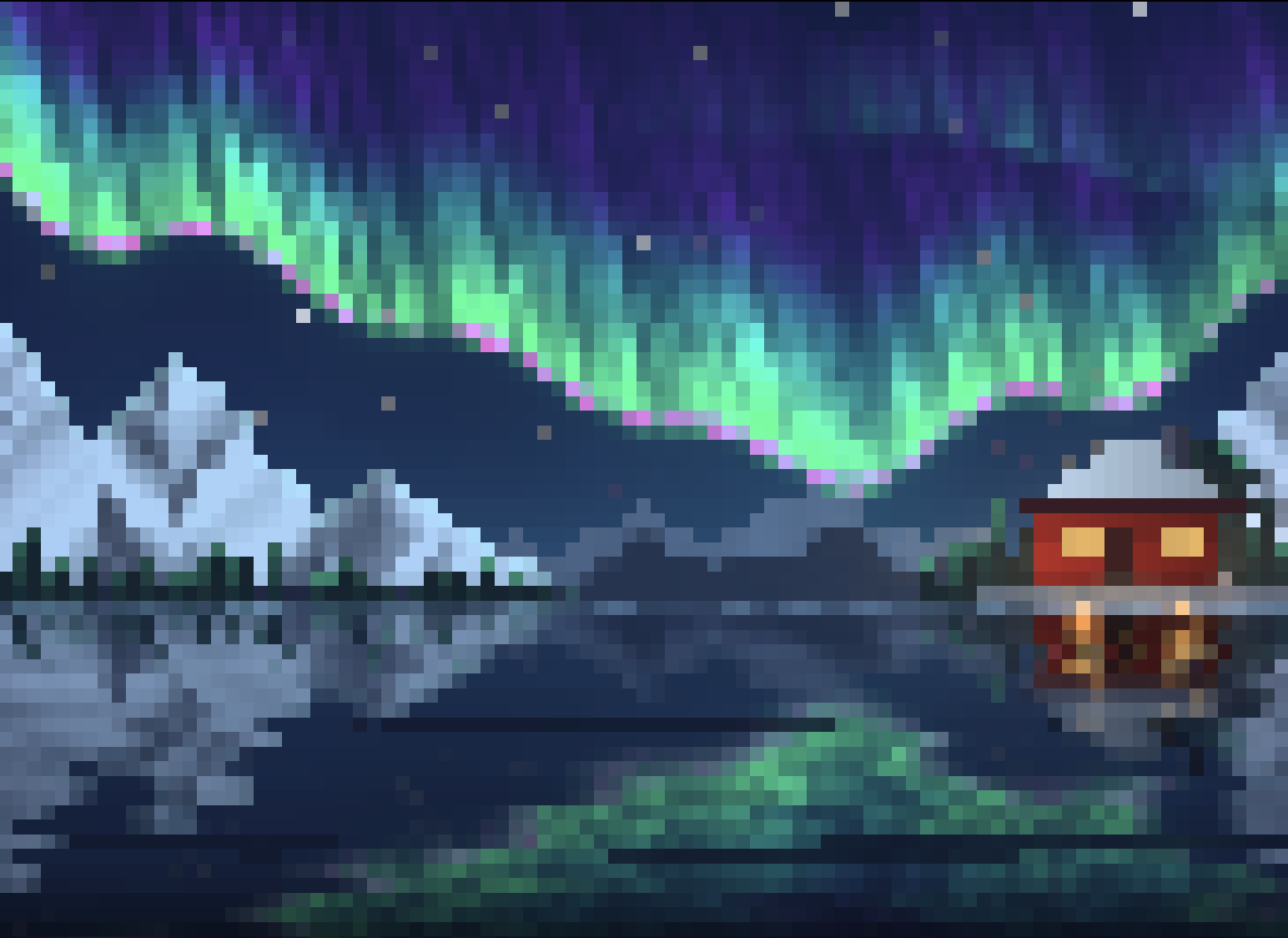
Step away with /brb, or leave the session without input from a person for 30 minutes, and the screensaver covers the whole terminal. The default is now Earthrise in dots; an explicitly saved choice stays put. Open Settings → Tweaks → Screensaver to choose another view or turn it off. Earthrise advances every four seconds, while the forest updates once a second with slowly moving sunbeams; aurora fjord and alpine dawn are livelier. Screensaver defaults and animation details
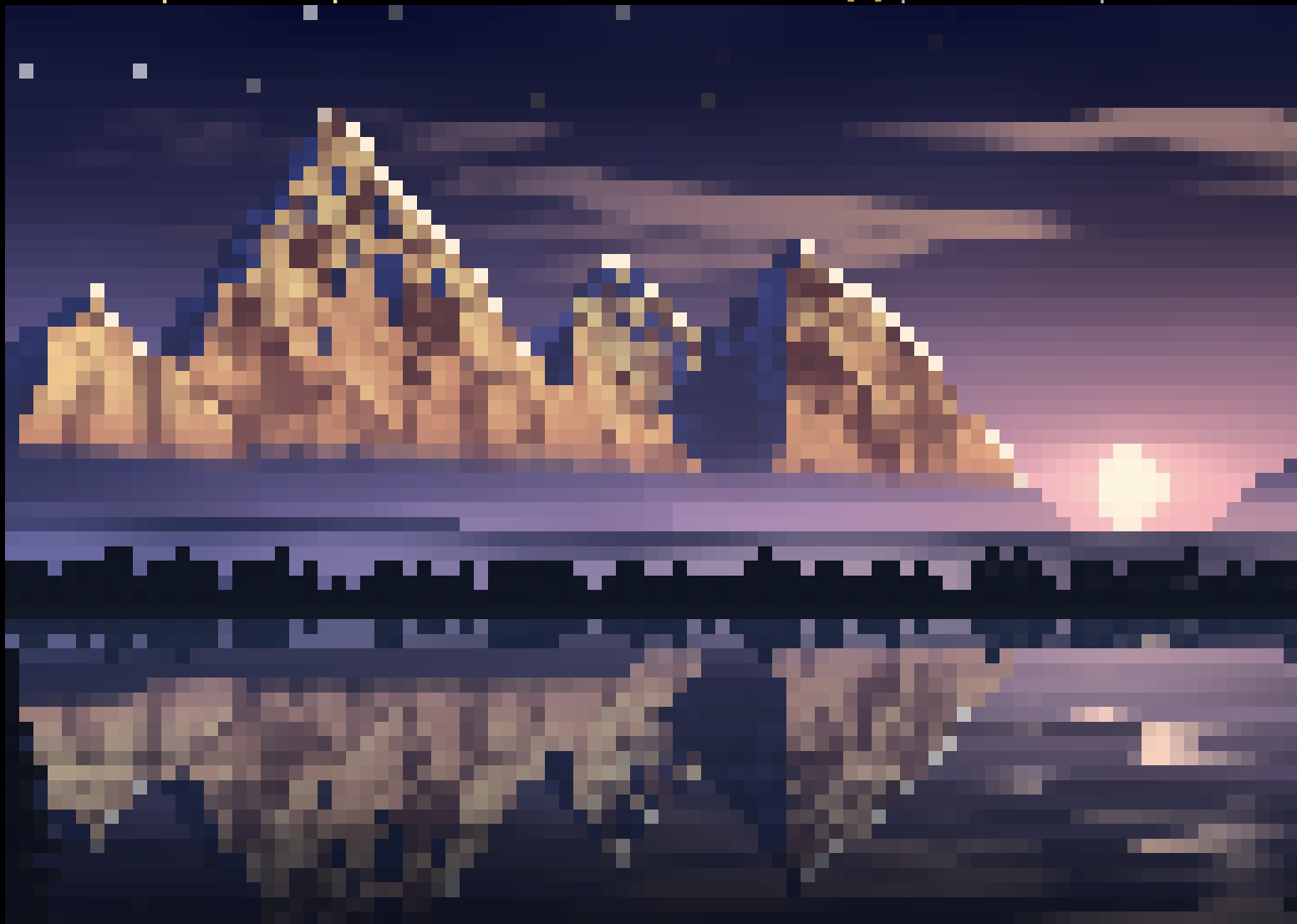
Coming back is considerate, too: the first key dismisses the screensaver without reaching the page or game underneath. Simply moving the pointer or changing terminal focus neither wakes it nor resets the away timer. Wake-up behavior
Updated October 9 after PRs #687 and #689 merged: Earthrise brings the total to eight choices. The plasma, lava lamp, and donut pieces mentioned in our earlier teaser were dropped.
A little more atmosphere for the clubhouse. Even when you've popped out for coffee.