
Stay late. Stay connected.
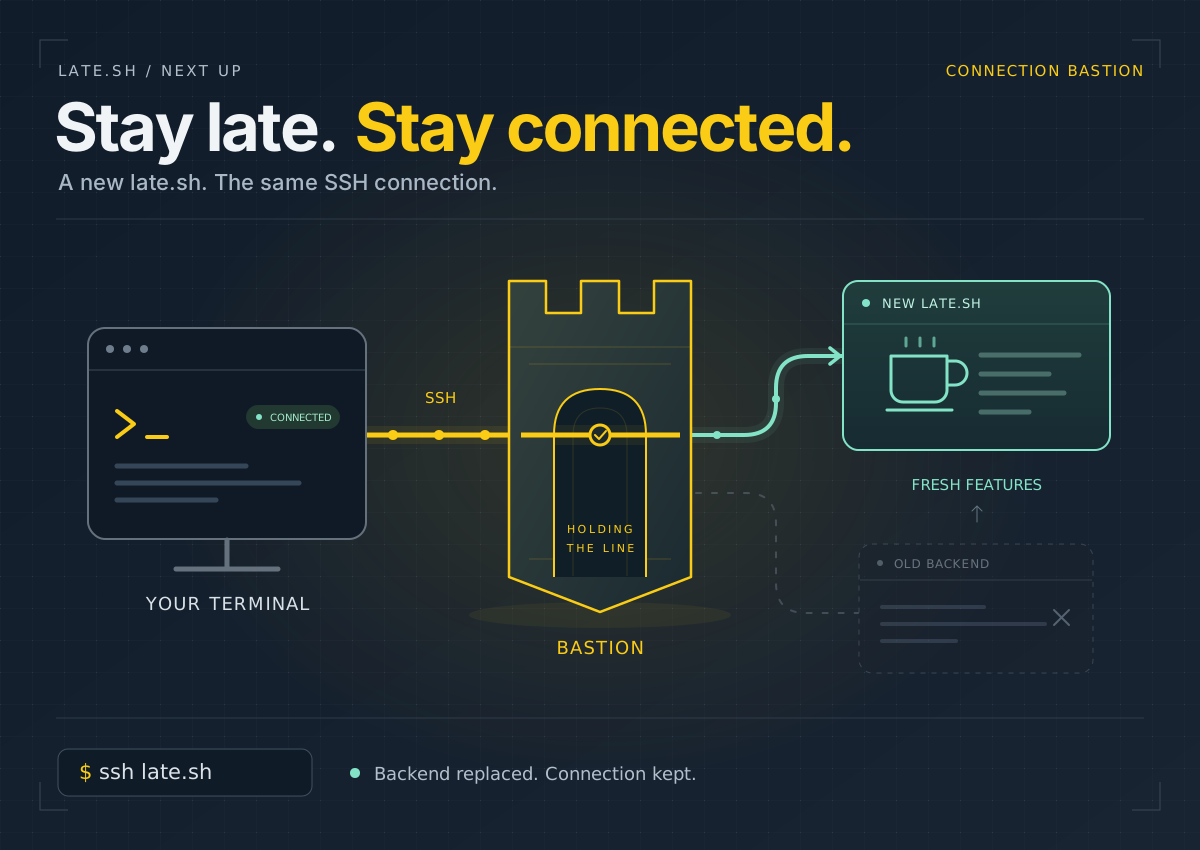
A feature update shouldn't send you back to your shell. The upcoming connection bastion keeps your SSH client connected while late.sh moves you to a fresh backend.
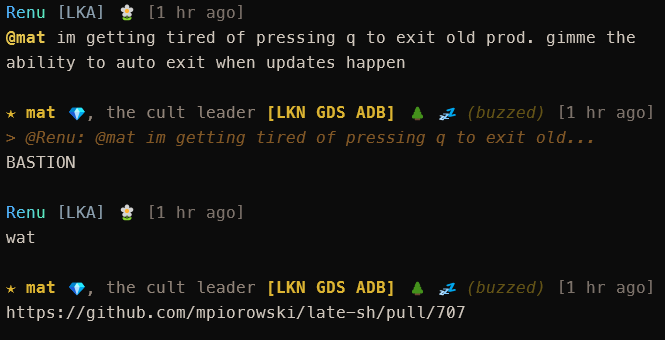
Leave late.sh open long enough and you'll know the routine: a feature update lands, but you're still sitting on the old server. Quit, reconnect, and find your way back. Or go away for a while and return to a disconnected terminal when that old server finally shuts down.
The connection bastion, coming in PR #707, takes care of that. Your SSH client stays connected across late.sh backend updates. When the old server goes away, the bastion reconnects you to a fresh one. No trip back to your shell, no typing ssh late.sh again.
Update now, or stay a little longer
When an update is available, a banner lets you know. Press q, then r in the update dialog to move to the new version without closing SSH. Esc dismisses the dialog if you'd rather stay put for now; q in the dialog still means goodbye.
If you're away when the old server is retired, the bastion handles the reconnect for you. A quick handoff may barely register. If it takes longer, you'll see a reconnecting message, followed by a welcome-back banner once you're in.
One steady connection
The idea is simple: your SSH connection ends at a small, separate service called the bastion. It passes your terminal's input and output to the late.sh app behind it. The app can be replaced while the bastion keeps holding your connection open.
You use an ordinary SSH client. No special reconnect script or new client to install.
Your account stays yours, but the app starts a fresh session during the handoff. This doesn't preserve every open screen, draft, or other state held by the old app. It saves you the disconnect-and-log-back-in routine.
For those of us who leave a terminal in the clubhouse all day, that's a welcome bit of housekeeping to stop doing.
Sources: PR #707, the connection design, and the update dialog controls. Checked October 22, 2026; the PR is open and production cutover is still pending.